Creating a juggling database means capturing tricks in a way that is clear, easy to reference, and valuable for analysis. At troposfera.xyz, we are dedicated to supporting jugglers with practical tools to explore and organize their skills effectively.
This guide provides straightforward steps to help you record high-quality clips for your database. You will find tips on setting up your recording environment, capturing tricks with clarity, and tagging them for easy cataloging. With these methods, your database will become a useful and inspiring resource to track progress and share insights.
To build a high-quality juggling database, it’s important to pay attention to both the technical setup and how you perform the trick. This guide outlines the key steps to ensure your clips are clean, clear, and easy to catalog.
Background
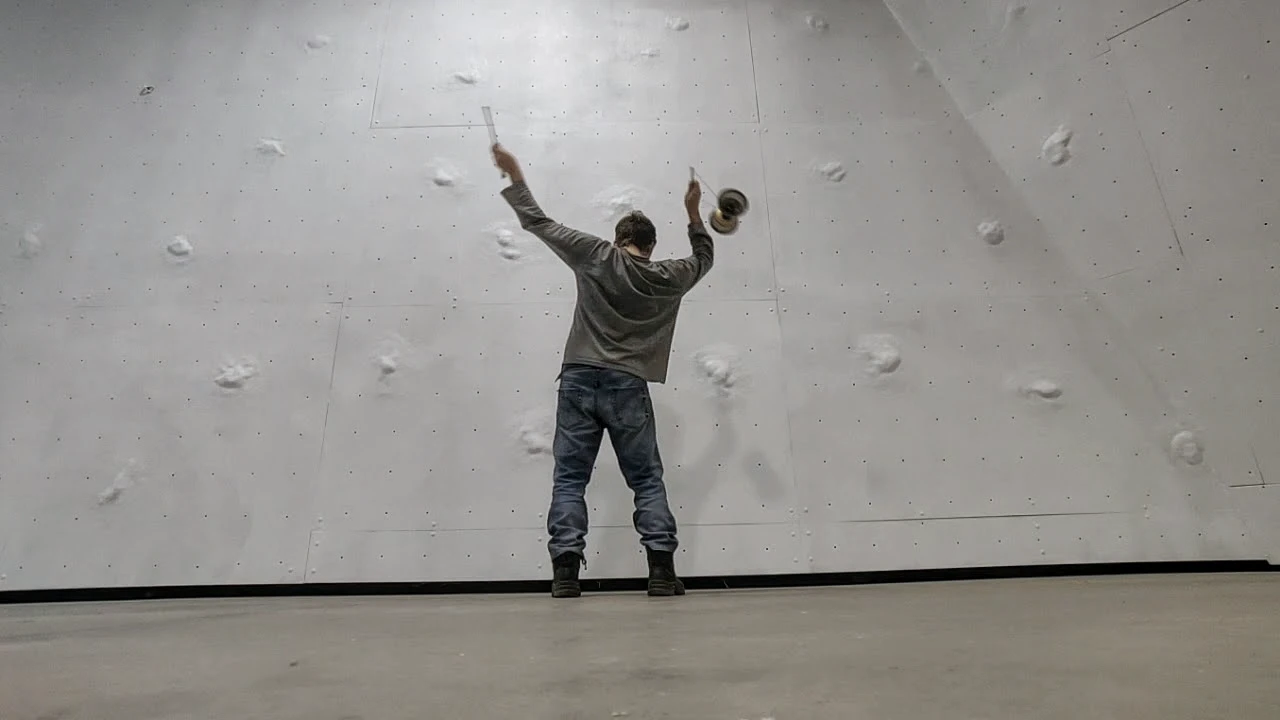
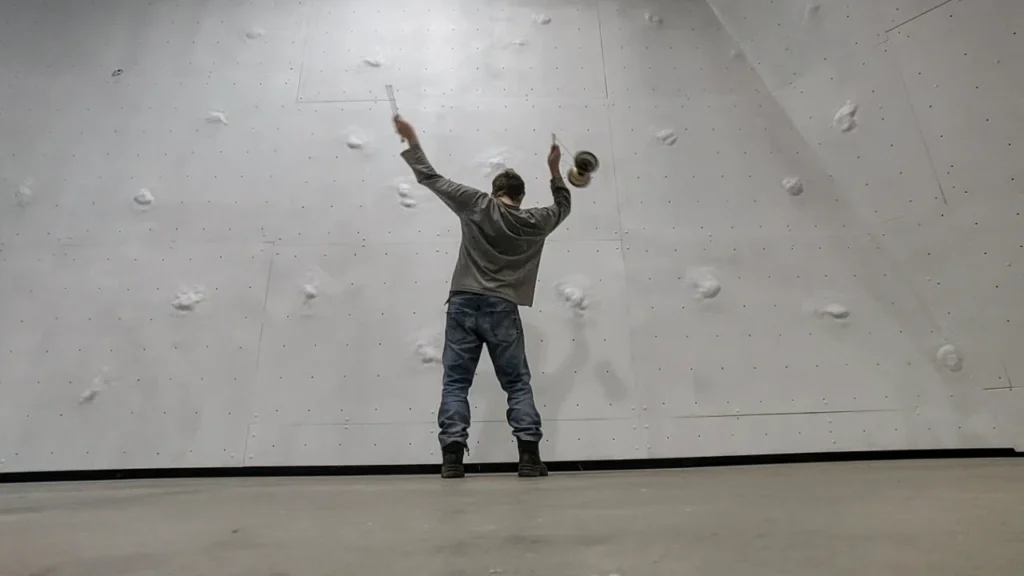
A clean and simple background ensures your maneuvers are easy to see. Follow these tips to create the best setup:
Use a plain, solid background without patterns or distractions. This helps your props stand out clearly.
Choose a background that contrasts with your props. Light props work best with dark backgrounds, and dark props work best with light backgrounds.
Avoid reflective surfaces that create glare or visual distractions.
Lighting
Good lighting makes your juggling tricks stand out and keeps the details clear. Here are a few simple tips for outdoor or casual setups:
Record during the day in natural light. Early morning or late afternoon works best for soft, even lightin
Face the light source to avoid shadows.
Stay out of direct sunlight, which can create harsh shadows and glare. Use shade or overcast conditions for softer light.
Avoid backlighting by keeping the light source in front of you.
Recording quality
High-quality recordings make your maneuvers clear and easy to analyze. Use these tips for the best results:
- Record in 1080p or higher for detailed footage. Higher resolution ensures your clips remain useful over time.
- Use a wide-angle lens to capture the full range of motion without cutting off parts of the maneuver.
- Keep the camera steady with a tripod or stable mount. This ensures smooth, professional-looking footage.
- Set the frame rate to 30 FPS. For fast or intricate maneuvers, 60 FPS can provide better clarity.
- Center the camera to ensure your entire movement stays in the frame and no props are cut off.
- Keep clips short and focused on one maneuver, with a few seconds of repetition for cataloging.
- Record a test clip to check lighting, framing, and clarity before starting.
What to record
When recording maneuvers for the database, it’s important to keep the focus clear and concise. Each clip should capture the essence of a single maneuver, making it easy to analyze and catalog. This approach ensures the database remains organized and useful for reference.
- Focus on individual maneuvers. Record short, clear concepts rather than long sequences or combos. This makes cataloging easier
- Use left-right alternation that have both sides for like “423.” Perform the pattern left-right-left-right, repeating it four times (two from each side).
- Highlight the Trick: Ensure the camera angle emphasizes the movement clearly (e.g., waist to head level for basic patterns; wider framing for body throws).
Adding Filters for Cataloging
Filters make the database searchable and help highlight the key characteristics of each maneuver. By focusing on what defines the trick, you ensure the catalog remains clear, organized, and useful.
Here’s how to use each filter category effectively:
- Props: Identify the type of prop used, such as balls, clubs, rings, or mixed props.
- Actions: Highlight the primary action or movement style involved in the maneuver.
- Body/Space: Capture how the trick interacts with the juggler’s body or spatial positioning.
- Object Spins: Include any spins performed by the props as part of the trick.
- Number of Jugglers: Specify how many people are involved in the pattern.
- Number of Objects: Indicate the total number of objects used in the maneuver.
- Siteswaps: Use standard or custom siteswap notation to describe juggling patterns.
- Tags: Add descriptive keywords for unique features, variations, or purposes of the trick.
- Focus on tagging only the most defining elements of each maneuver to keep the database intuitive and functional. With thoughtful cataloging, it becomes easy to find and analyze specific patterns or styles.